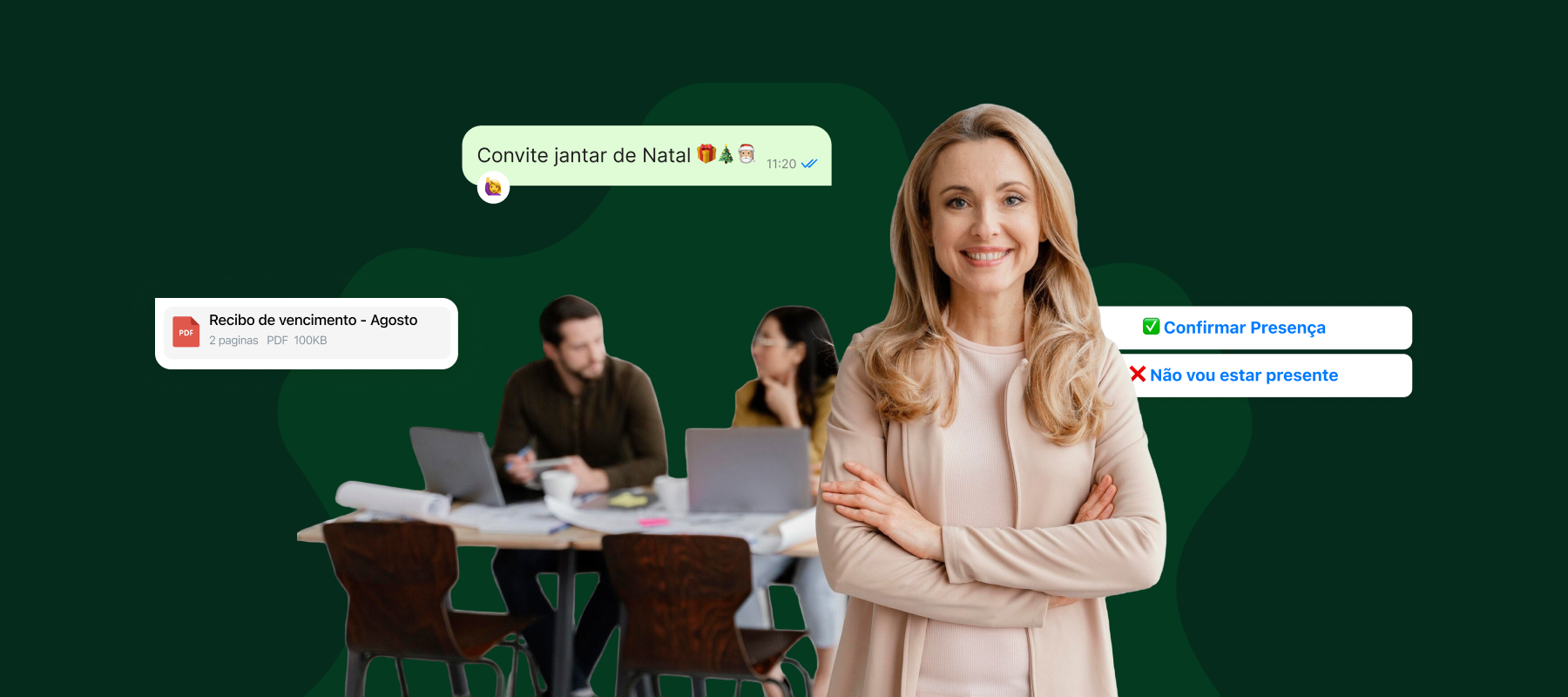
Automate your clinic's patient service on WhatsApp with Zapify and noviGest
Automate appointment booking, confirmations and reminders on WhatsApp with Zapify and noviGest. Add other channels and AI voice support.
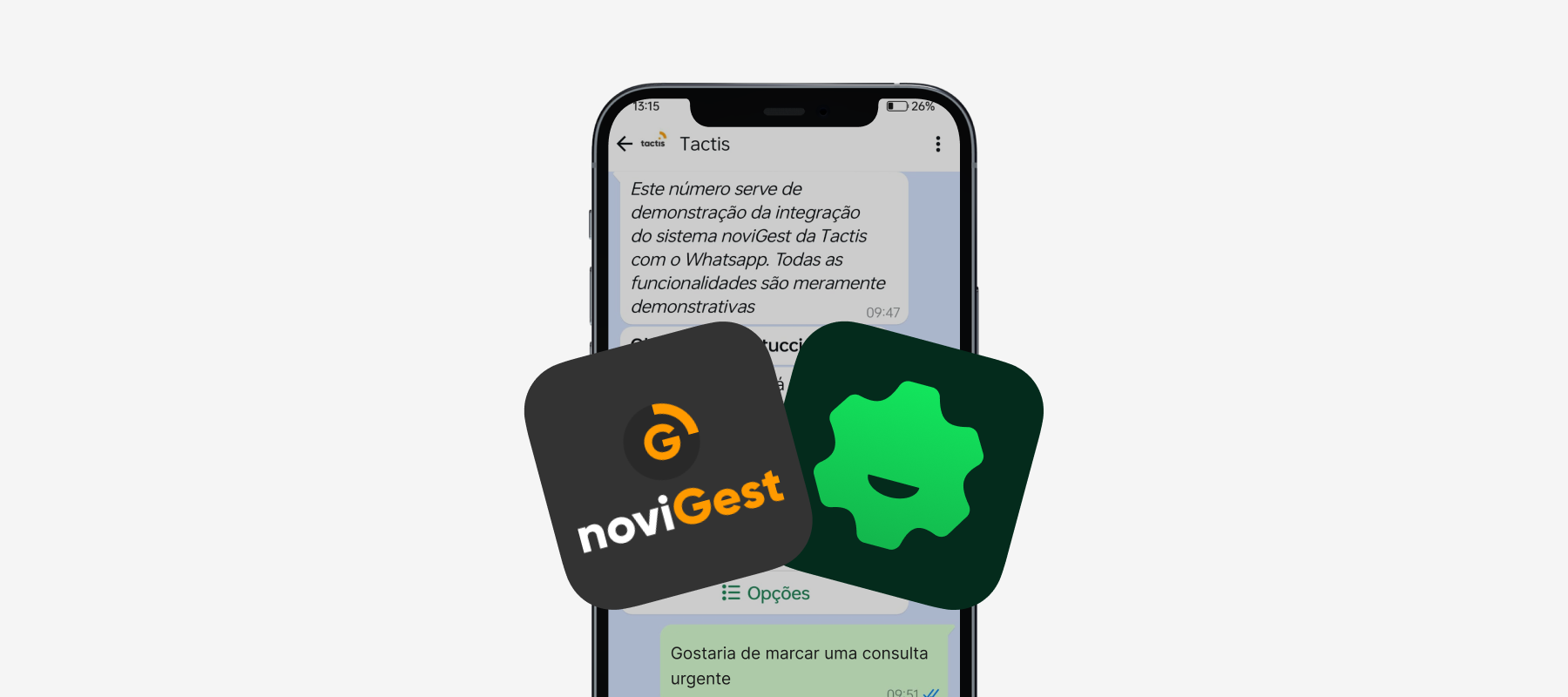
Zapify connects WhatsApp to noviGest, the clinic management software by Tactis, to help automate patient service and communication. Through a WhatsApp conversation, patients can request or change appointments, confirm visits, receive reminders and get answers to administrative questions.
The clinic keeps WhatsApp as its main channel for patient service and communication. The team can follow conversations on a shared platform, while the AI assistant handles the requests defined by the clinic and hands over to a person whenever human intervention is needed. Learn more about AI-powered service for clinics.
Try the demo
Talk to the demo assistant for the Zapify + noviGest integration, by text or by call (call button in the message box). It is connected to a noviGest demo environment, so appointments and data are for demonstration only. The demo is set up for clinics in Portugal and answers mainly in Portuguese.
WhatsApp: the hub of your clinic’s patient service and communication
Patients already use WhatsApp to talk to the clinic. With Zapify, that channel can do much more than answer messages: it can support bookings, confirmations, rescheduling, cancellations and appointment reminders, depending on how the noviGest integration is configured.
The clinic can also automate answers to frequent administrative questions, such as opening hours, location and service information. For birthday messages or other follow-up contacts, it can set up its own flows, respecting patients’ communication preferences and the applicable rules.
The team manages conversations in a shared inbox with automations, with history, context and organisation by agent or status. That way, several team members can follow WhatsApp conversations without depending on a single phone.
How does appointment booking on WhatsApp work?
The patient starts a conversation and explains what they need. The AI assistant follows the flow defined by the clinic, collects the necessary information and can support the booking through the noviGest integration — one of Zapify’s integrations.
Depending on the available options and the agreed configuration, the conversation can include:
- Requesting a new appointment.
- Choosing a speciality, practitioner or time slot.
- Confirming an appointment.
- Asking to reschedule or cancel.
- Receiving reminders before the appointment.
- Being routed to reception when validation is needed.
The clinic defines the rules, the information and the cases that can be handled automatically. The team keeps following exceptions and requests that need personal attention.
Fewer repetitive tasks for reception
Reception handles similar requests every day: confirming times, answering administrative questions, reminding patients of appointments and dealing with schedule changes. Automating part of these tasks helps the team spend more time on in-person care and on cases that need individual follow-up.
With conversations organised in a shared inbox, the team can follow several requests, see whether a conversation is being handled by the AI or by an agent, take over when necessary and pass the conversation to a colleague with the relevant context. The history stays centralised on the platform.
More ways to contact the clinic, with the same assistant
Although WhatsApp is the main channel for patient service and communication, Zapify lets you add other channels as entry points for patients. Instagram Direct, Messenger, RCS and webchat can be connected to the operation so that people can reach the clinic wherever is most convenient for them.
Conversations from these channels can be routed to the same AI assistant and brought into the team’s workflow. A patient can start on the webchat or on social media and get help with a booking request, while the clinic keeps every channel organised in one operation.
These channels complement WhatsApp. The clinic decides which ones to offer and configures the service flows according to its own processes.
Phone support with AI voice
The clinic can also offer phone support with AI voice. In this case, the assistant talks to the patient over a call, understands the request and can support the booking process, checking the clinic’s system according to the configured integration.
The call can handle appointment-related requests and answer administrative questions. When a person needs to step in, the call can be transferred to a human agent along with the context of the request, so the patient doesn’t have to start over.
Voice support adds an option for those who prefer to call, while still making it possible to automate tasks and connect the conversation to the clinic’s management processes.
The clinic decides what the AI can handle
Every clinic has its own rules, hours and procedures. That’s why assistants and automations should be configured with information validated by the clinic and clear limits for handing requests over to the team.
The AI can support administrative tasks and carry out the actions provided for in the configured flows. Questions about symptoms, diagnosis or treatment should be referred to a healthcare professional.
The available actions depend on how the integration between Zapify and noviGest is configured and on the processes agreed with the clinic.
Frequently asked questions about Zapify and noviGest
What is Zapify’s main channel for clinics?
WhatsApp is the main channel for managing patient service and communication. The clinic can add Instagram Direct, Messenger, RCS and webchat as additional contact channels.
Can the assistant book appointments on WhatsApp?
Yes. The assistant can support the booking process on WhatsApp, following the flows defined by the clinic and the operations available in the noviGest integration.
Can the other channels also handle booking requests?
They can be configured as additional contact points for the same AI assistant. Requests can therefore start on another channel and follow the service flow defined by the clinic.
Can Zapify also answer phone calls?
Yes. The AI can answer voice calls and support booking-related conversations. The connection to the clinic’s system and the handover to a human agent depend on the configuration implemented.
Does automation replace reception?
No. Automation can handle repetitive requests and route situations that need human attention. Reception can follow and take over conversations whenever necessary.
Does the AI answer clinical questions?
Automation should only answer within the scope approved by the clinic. Questions about symptoms, diagnosis or treatment should be referred to a healthcare professional.
Are all actions available right after the integration?
The available actions depend on the integration’s configuration and on the processes defined by the clinic. Before activating a flow, it’s important to confirm what information it can access and which operations it can perform.
Connect your clinic’s WhatsApp to noviGest
Simplify appointment booking, confirmations and reminders on WhatsApp. With Zapify connected to noviGest, the clinic can organise patient service, automate communication tasks and give the team more room to look after patients.
Want to see how this solution could work in your clinic? Talk to the Zapify team and explore a setup tailored to your processes.